


Listing 1000 products in a few clicks on Cdiscount? How do I sell on Cdiscount?
With the new update of Cdiscount, in addition to a refreshed interface and much more convenient navigation between tabs, the service has welcomed a long-awaited addition - the ability to add new products from any file!
Probably all retailers who have had the opportunity to start their adventure with Cdiscount are aware of how time-consuming it can be to fill in all the cells in the templates required for uploading a large number of products without OMS integration. Until now, the only way to introduce new products was to download a template for a specific category and fill in the data (including links to the images in our private database), which even took time. five times longer than if we had simply displayed the products in question from e.g. Base!
The new feature is fairly straightforward, but not everyone has it yet: currently, the generation of Cdiscount files from AI is in a test phase. We, fortunately, have already had time to test how the new option compares with the others. Is it worth it?

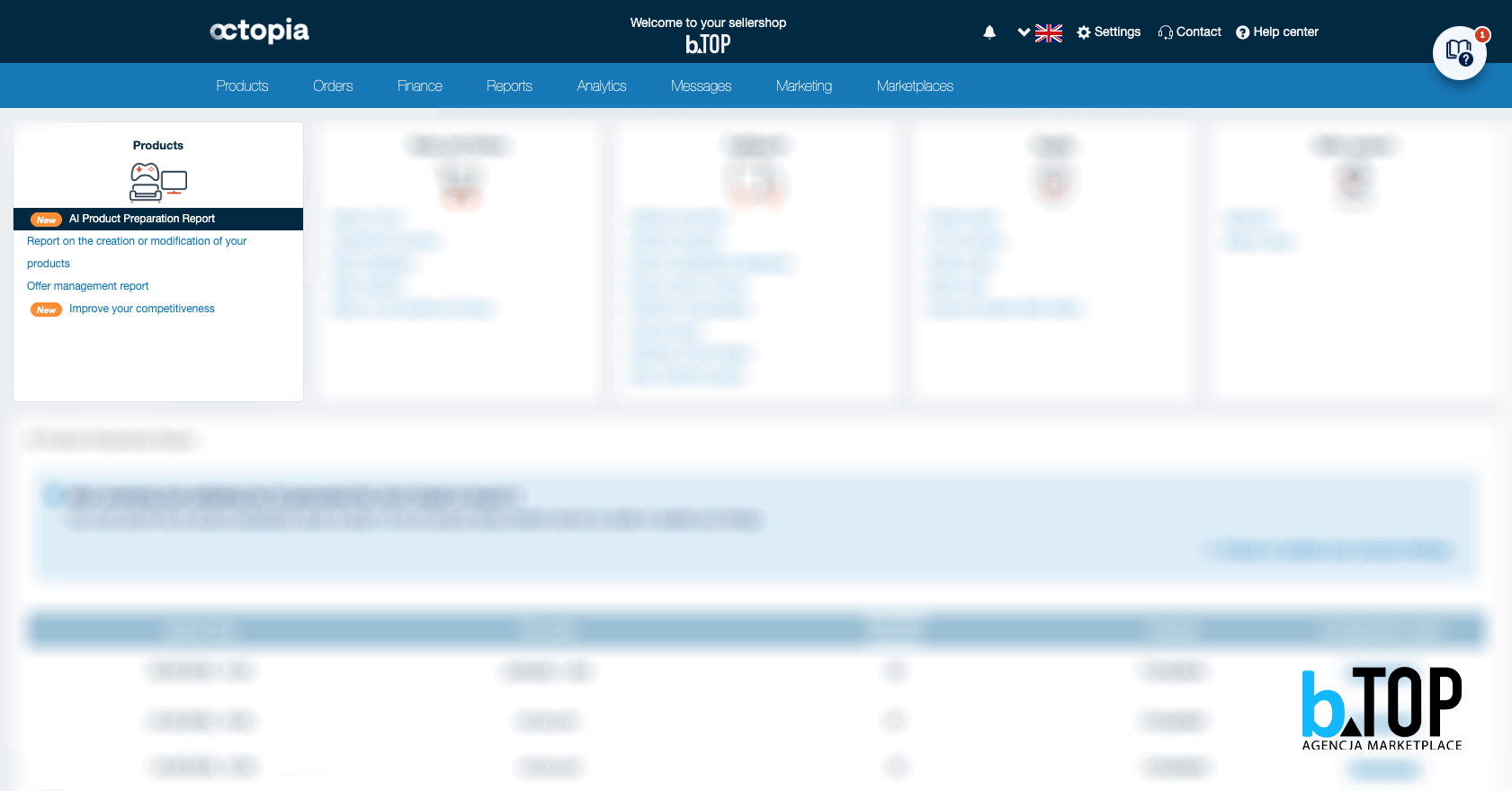
Under the „Products” tab, we should see the option „Create or edit product listings with AI” marked with an orange „New” icon. Clicking on the tab takes us to the file generator. The rules are simple: as long as we upload the neat and legible file (CSV, XLSX, XLSM), which includes GTIN or EAN number, photos and description our products, AI will have no problem reading.
A maximum of 1000 products can be added in one sheet (an example of the file can be viewed on the same page, just click on „View sample files”).
 After clicking on „Generate the preparation file”, you will receive a file that will resemble standard Cdiscount templates. However, it will include AI designation and cells already filled based on our previous file.
Even if the file was uploaded in Polish, AI with ease translates everything into French, will create an initial title and sort the products into the appropriate categories. Depending on how many products of one category we have uploaded, we should have sheets for each category in the file, which we can freely switch between. Most of the parameters should have been completed by the AI, however if we have not included something in the original file, AI is unlikely to guess that. This is before the file is accepted and released into the world, we need to review it.
The titles, although pre-created, still we recommend that you edit and include what might have been relevant in French, for example, but got lost in translation (synonyms). Categories also worth reviewing, because as you know, AI also makes mistakes! In our test file, which contained 100 products, only 5 were incorrectly assigned to categories - the others, however, saved us a lot of insertion time.
Once we have corrected the new file according to our standards, we drop it over the „Create or update your product listings” field and any errors can be observed in the „Reports” tab under „AI Product Preparation Report”. Later, after approval, all that remains is to create the listings (a few minutes' work if we already have the prices ready).
To answer the final question -is it worth it? In our view, the function still needs fine-tuning, but with a small number of different products (or more specifically, a large number of variants) such a function is a salvation for retailers. However, let's remember to use AI with your head!
If you have any questions or want to start selling on Cdiscount - don't hesitate and send us a message! We will take care of your every concern and guide you step by step!
Blog author: Nikola - bTOP Graphic Designer
Date of publication: 10.10.2025r.
 Polish
  English
  German
  Czech
Czech  Hungarian
  Slovak